Microsoft Fabric Essentials Workshop
Microsoft Fabric brings data integration, engineering, warehousing, real-time analytics, data science, and Power BI together around OneLake. This workshop provides a guided foundation that can be completed through the Azure portal or with Terraform-managed infrastructure.
Warning
This is learning material. Confirm current Microsoft Fabric availability, capacity SKUs, pricing, security, and governance requirements in Microsoft Learn before production use.
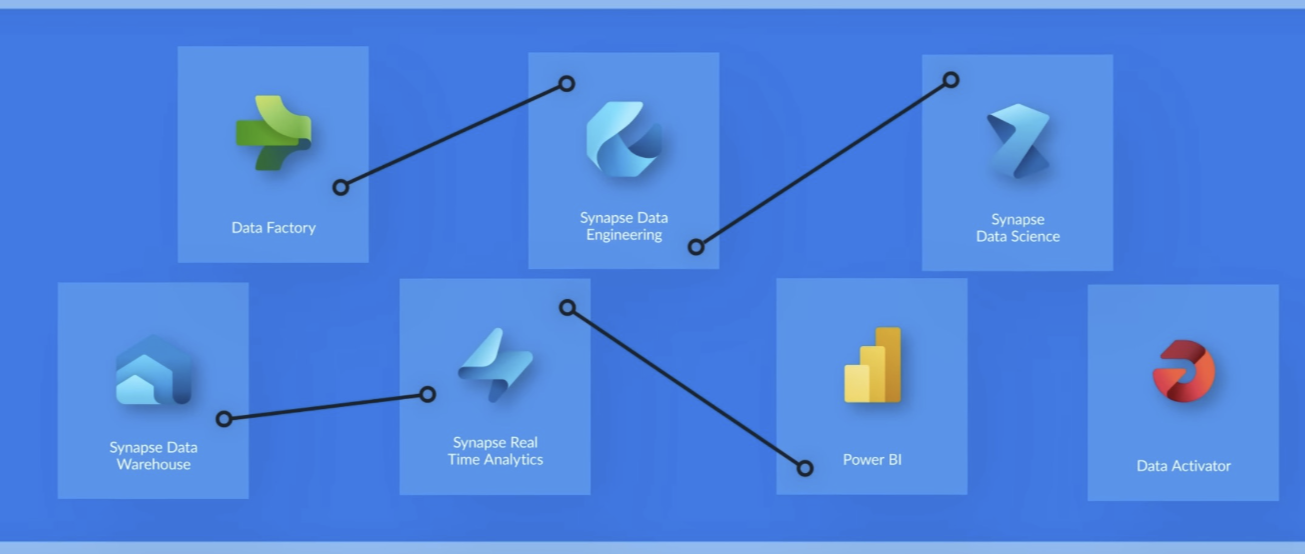
Fabric foundations Understand OneLake, core workloads, and data storage choices.
Provision the workshop Choose Azure portal setup or Terraform infrastructure as code.
Medallion architecture Transform sample order data from Bronze through Gold with Fabric notebooks.
AI and LLMs Connect Azure OpenAI, LangChain, and Fabric data science patterns.
Delivery and operations Use deployment pipelines and Git integration to deliver Fabric content.
Workshop path
Start here
| You need to | Start with |
|---|---|
| Understand the Fabric landscape and OneLake | Fabric foundations |
| Create capacity and workshop resources | Provision the workshop |
| Process the provided sample data | Medallion architecture |
| Add generative AI patterns | AI and LLMs |
| Move work safely across environments | Delivery and operations |
Prerequisites
- An Azure subscription and appropriate access to create and manage workshop resources.
- Contributor permissions, or an equivalent custom role, for the required scope.
- For the Terraform path: Terraform and the Azure CLI.
The original workshop source, notebooks, Terraform templates, and sample files remain available in the GitHub repository.