Getting Started Paths
Atlanta, USA

Last updated: 2026-08-04
Objective
Follow the correct onboarding track based on your licensing and provisioning state.
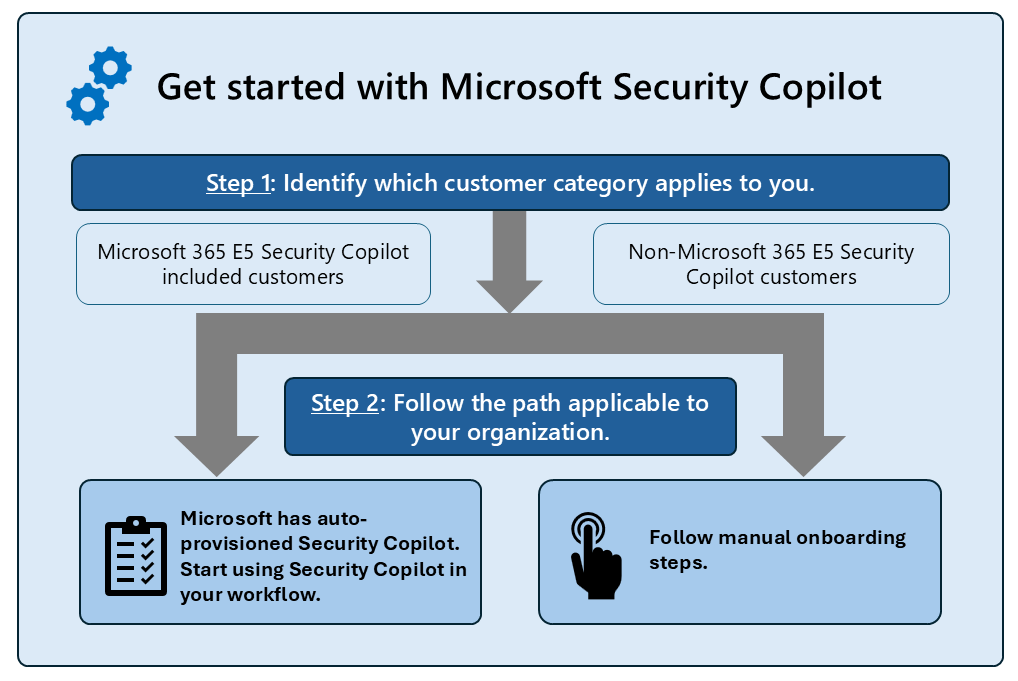
Source: Get started with Security Copilot.
Onboarding tracks
| Customer type | Setup path |
|---|---|
| Microsoft 365 E5 (Enterprise 5) and E7 (Enterprise 7) included customer | Auto-provisioned enablement and guided in-product setup |
| Non-Microsoft 365 E5 (Enterprise 5) and E7 (Enterprise 7) customer | Manual capacity provisioning and workspace setup |
First-session guidance
- Confirm your onboarding status and assigned role.
- Start with an agent workflow for structured tasks.
- Use chat sessions for exploratory investigation questions.
- Save repeatable prompt patterns as promptbooks.
Setup quality gates
- Workspace and role assignments validated.
- Capacity and overage guardrails configured.
- First user cohort can complete baseline workflows.