Purview Unified Catalog and Data Governance
Atlanta, USA (United States of America)

Last updated: 2026-07-27
The Unified Catalog turns the Data Map's inventory into governed, discoverable data. It organizes data by business concept, provides self-service access, and tracks data health, so governance scales with a federated approach across your organization.
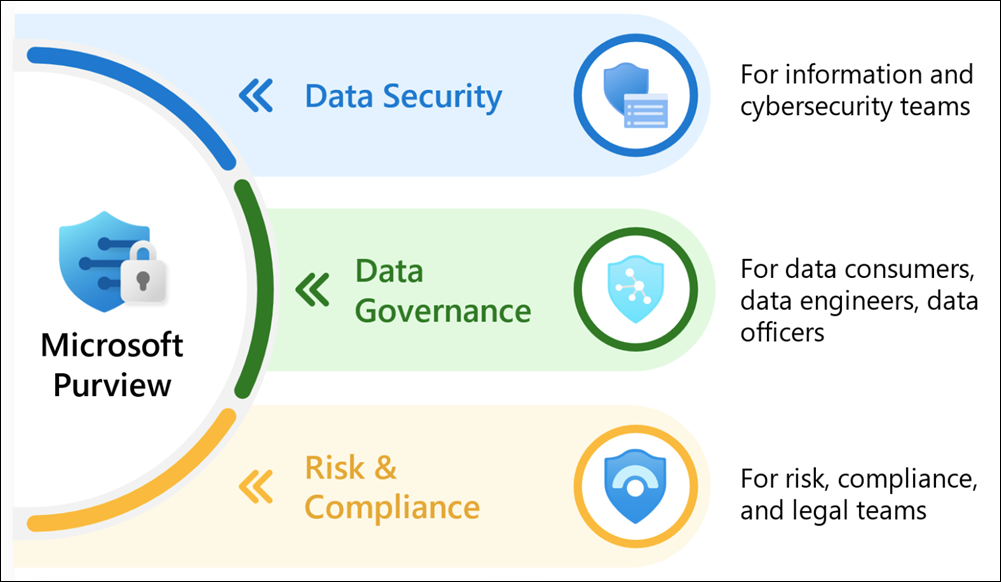
Source: Learn about Microsoft Purview.
Why it matters
A single, uncategorized list of assets is overwhelming. The Unified Catalog uses governance domains, data products, and glossary terms so consumers find and safely use data, while owners scale curation and control.
| Without a governed catalog | With the Unified Catalog |
|---|---|
| Data is hard to find and understand | Governance domains and data products aid discovery |
| Access is manual and inconsistent | Self-service access policies balance safety and speed |
| Quality is unknown | Data quality scores span assets, products, and domains |
| Governance bottlenecks on one team | Federated ownership distributes accountability |
Value in one line: it makes governed data discoverable and safely accessible while distributing ownership across the business.
Core building blocks
- Governance domains organize data by business concept, like Finance.
- Data products group related assets so consumers find a complete picture.
- Glossary terms and critical data elements carry business context and policy.
- Health controls, actions, and objectives track governance progress.
Set up the Unified Catalog
- In the Microsoft Purview portal, confirm the Unified Catalog experience is enabled for the tenant and assign governance-domain owners and data-product owners.
- Create a pilot governance domain for one business area and define the data-product purpose, accountable owner, consumer audience, and approval process.
- Add the scanned and approved assets to the data product, then attach glossary terms, critical data elements, and quality expectations.
- Configure the supported self-service access policy or request process with a least-privilege scope and a stated right-use requirement.
- Test discovery and access with a consumer account, confirming the product shows the intended assets, context, quality signals, and only the permitted access path.
- Review owner assignment, access requests, health actions, and stale products on the agreed governance cadence before expanding to additional domains.
Adopt it well
- Confirm the enterprise version and enable the new experience for your region.
- Model governance domains and data products around accountable owners.
- Attach glossary terms, critical data elements, and quality rules.
- Enable self-service access policies with right-use requirements.
- Track health controls and actions to drive continuous improvement.
Verify and operate
- Confirm data products expose the right assets and that access policies grant the intended, least-privilege access.
- Review data quality scores at the asset, product, and domain levels and act on low scores.
- Use health controls and actions to measure governance progress and distribute ownership.
- Keep glossary terms and critical data elements current as the business vocabulary evolves.
Business example
A finance domain owner publishes a data product of governed reporting tables with a glossary term and access policy. A consumer discovers it in the catalog, requests access through self-service, and receives a complete, quality-scored data set governed by the attached policies.